
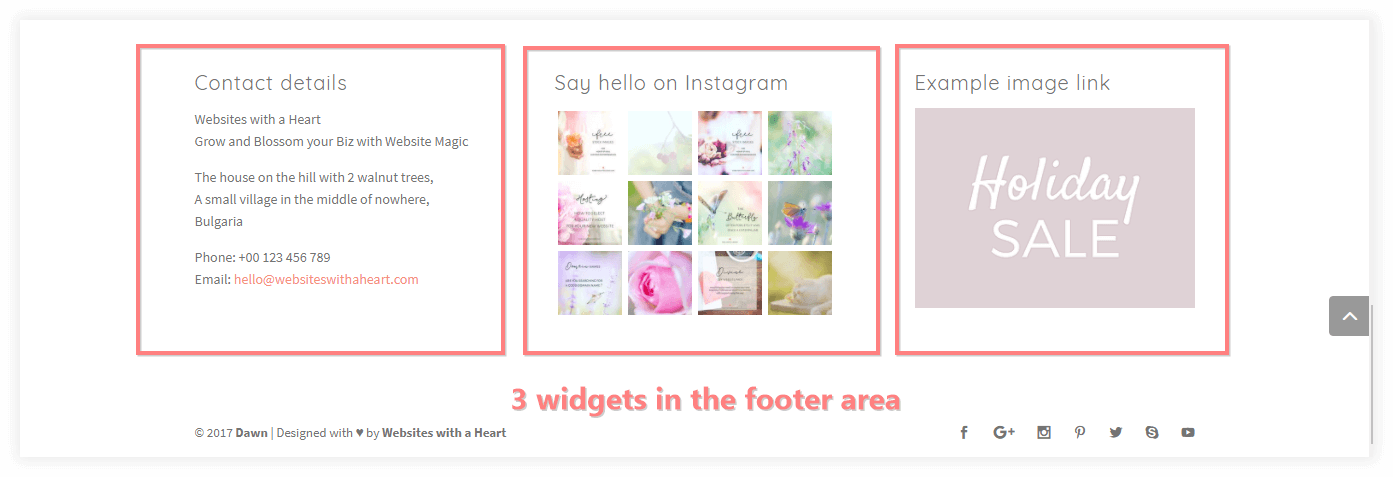
Your footer consists of two parts; the footer widget area:
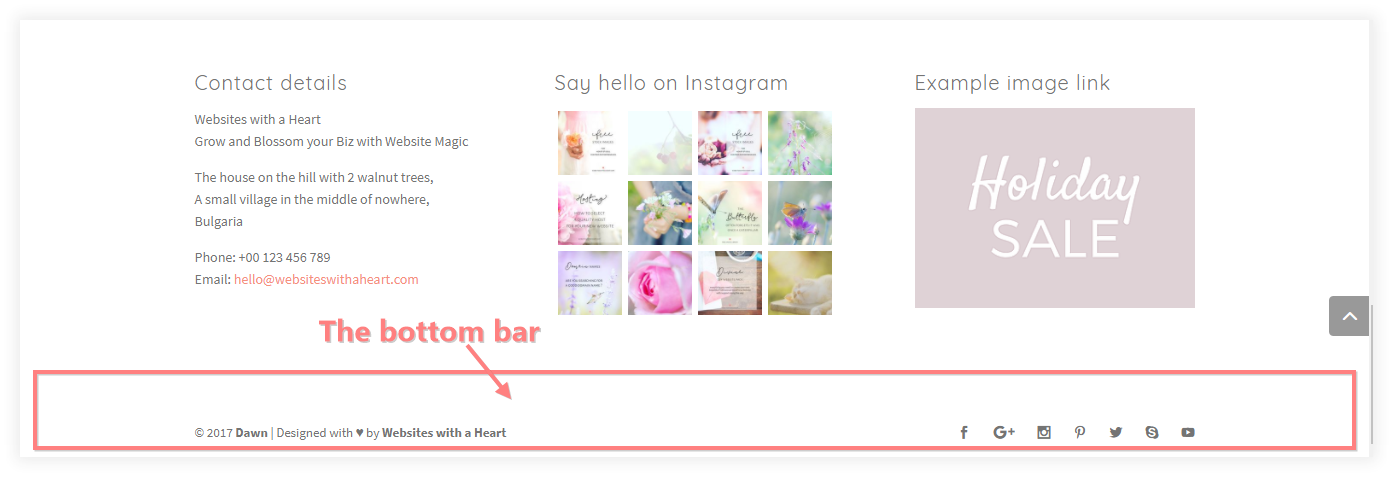
And the bottom bar:
You can edit the content of your widget items by navigating in your Dashboard to Appearance > Widgets, and editing the widgets in your footer spaces.
You can edit your bottom bar by navigating in your Dashboard to Theme Customizer > Footer > Bottom Bar.
Working with your widgets and designing your footer space, including your bottom bar is explained in a lot of detail in our class Sidebars & Footers.